How to Secure Online Trading Account
This guide offers actionable, step-by-step strategies to fortify your online trading account against cyber threats, moving beyond basic password hygiene for robust financial security.
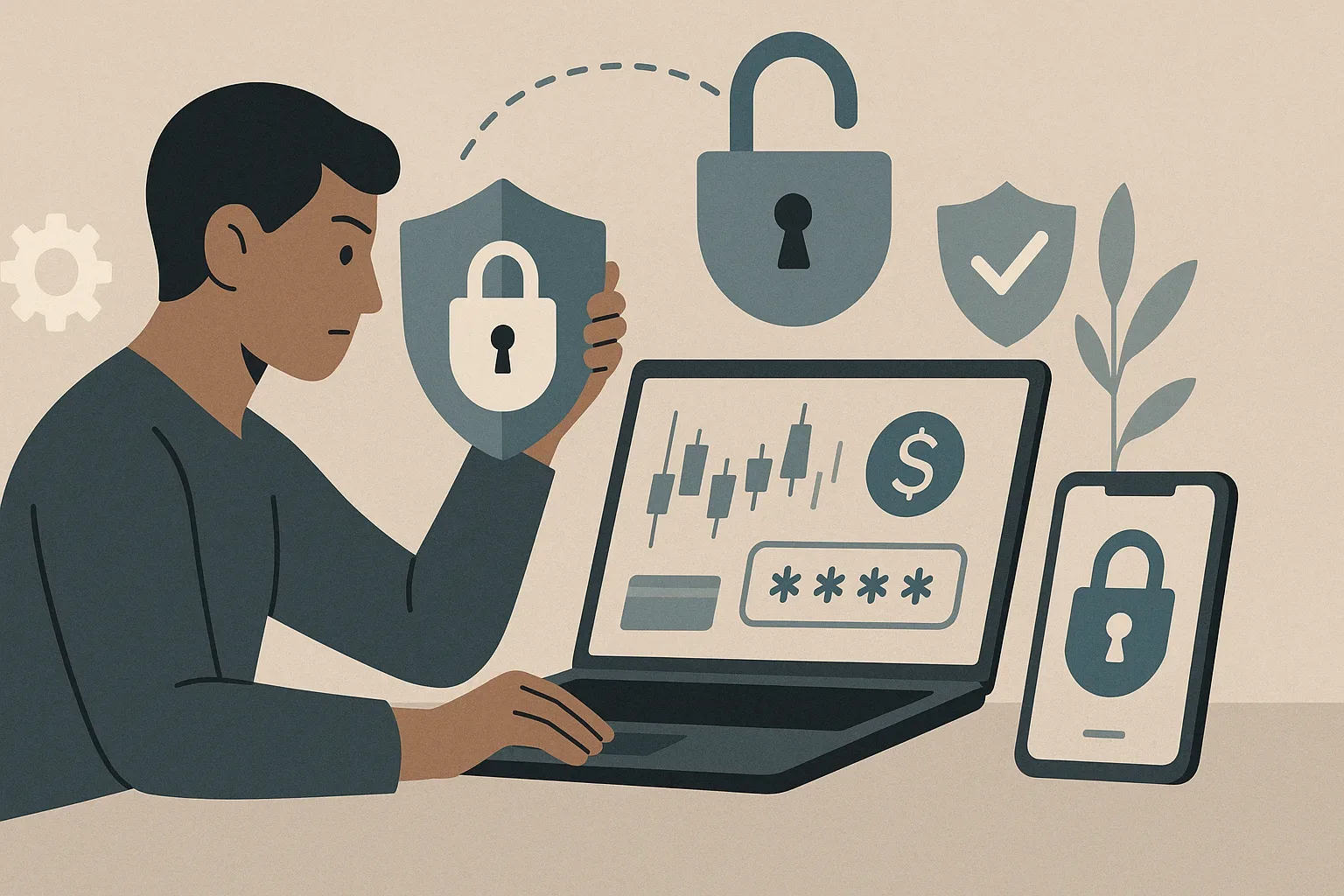
Research note: flagged for financial risk, cyber security risk, identity theft risk. Myfintec does not endorse these statements, does not promise profit or safety, and has not verified them. Treat any forecast, return figure or safety claim below as unsupported text.
Online trading offers unprecedented access to financial markets, but this convenience comes with significant security responsibilities. The digital landscape is rife with sophisticated threats, and a compromised trading account can lead to devastating financial losses, identity theft, and profound emotional distress.
However, this very accessibility makes trading accounts prime targets for cybercriminals. The direct link to significant capital, combined with the potential for rapid transactions, presents an irresistible target. A successful breach can result in immediate, unauthorized fund transfers, liquidation of assets, or even manipulation of your portfolio for illicit gains. Beyond direct financial theft, compromise can lead to identity theft, using your financial credentials to access other accounts or commit fraud under your name.
However, "strong" is insufficient; the key lies in uniqueness and complexity across all your online accounts. A strong password for your trading platform should be a complex phrase or a long string of seemingly random characters, ideally exceeding 12-16 characters, incorporating a mix of uppercase and lowercase letters, numbers, and symbols. Crucially, this password must be unique to your trading account and never reused on any other website or service. The use of a reputable password manager is highly recommended to generate, store, and auto-fill these unique, complex passwords securely. This eliminates the need to remember multiple intricate sequences, mitigating the risk of credential stuffing attacks where hackers use stolen credentials from one site to try and access others.
MFA requires you to provide two or more verification factors to gain access to an account. This typically involves something you know (your password), combined with something you have (a mobile device or hardware token), or something you are (biometrics like a fingerprint or face scan).
How does Multi-Factor Authentication (MFA) work and why is it critical for trading platforms? MFA operates on the principle that if one factor is compromised, the attacker still needs to compromise a second, independent factor to gain access. When you attempt to log in to your trading platform, after entering your password, the system will prompt you for a second factor. This could be a time-based one-time password (TOTP) generated by a dedicated authenticator app on your smartphone (e.g., Google Authenticator, Authy), a security code sent via SMS to your registered mobile number, or a physical security key (like a YubiKey). Some advanced systems might also use biometric verification. For trading platforms, MFA is critical because it directly safeguards against the financial theft and market manipulation that can occur from a single password compromise. Always prioritize authenticator apps over SMS-based MFA, as SMS can be vulnerable to SIM-swapping attacks.
These updates frequently include critical security patches that close vulnerabilities exploited by attackers. Install and maintain reputable antivirus and anti-malware software, performing regular scans. Enable your device's firewall to monitor and control incoming and outgoing network traffic, blocking unauthorized access attempts. Consider full disk encryption for your devices, which scrambles all data, rendering it unreadable if the device is lost or stolen. If absolutely necessary, use a Virtual Private Network (VPN) to encrypt your internet connection. At home, ensure your Wi-Fi router uses WPA3 or WPA2 encryption, has a strong, unique administrative password, and consider disabling remote access features. Regularly review connected devices on your network to spot anything suspicious.
Phishing attempts typically involve deceptive communications designed to trick you into revealing sensitive information or clicking malicious links. These can come in various forms: email phishing, where attackers send emails disguised as your broker, a regulatory body, or even a personal contact, often containing urgent warnings or attractive offers; SMS phishing (smishing), using text messages with similar pretexts; and voice phishing (vishing), involving fraudulent phone calls.
Online traders are targeted by a specific subset of cyber threats. Beyond general phishing, common threats include:
- Spear Phishing: Highly targeted phishing attacks tailored with specific details about you or your trading activities, making them seem more legitimate. They might reference specific trades, account balances, or recent interactions. 2. Malware and Spyware: Software designed to infect your device to steal login credentials, monitor your activity, or even take control of your computer. Keyloggers are particularly dangerous, recording every keystroke, including passwords. Identifying them can be difficult, but unusual system slowdowns, pop-up ads, or suspicious network activity can be red flags. 3. Pump-and-Dump Scams: While not a direct account compromise, these scams manipulate traders into buying specific assets based on false information, then the perpetrators sell off their holdings at an inflated price. 4. Ransomware: Although less direct at account compromise, ransomware can lock access to your trading device and demand payment, effectively preventing you from managing your positions. Always verify the sender's email address, look for grammatical errors or unusual phrasing, hover over links without clicking to see the actual URL, and never open attachments from unknown sources. Be wary of unexpected emails or calls from your broker asking for personal details or urgent action. Your broker will never ask for your password over the phone or email.
Before committing to a platform, or if you already have an account, investigate the following:
- Two-Factor Authentication (2FA) options: Beyond basic SMS, look for support for authenticator apps or hardware security keys. Withdrawal Limits and Approvals: Features that allow you to set daily or weekly withdrawal limits and require secondary approval (e.g., via email or phone call) for all withdrawals, especially those to new bank accounts. Activity Logs and Alerts: Detailed records of all login attempts, trades, and account changes, along with instant notifications for suspicious activities like logins from new devices or geographic locations. Encryption Standards: Confirmation that the broker uses robust encryption (e.g., TLS 1.2 or higher) for all data transmission. Regulatory Compliance: Ensure your broker is regulated by a recognized financial authority. For information on how Myfintec assesses a trading provider, refer to our guide. Engage with your broker's customer support to understand and activate all available security features. Don't assume they are enabled by default. You can compare different platforms and brokers using resources like fx trading platform, currency trading platforms, forex trading brokers, and foreign exchange trading platform.
Are there specific security features I should look for when choosing or using an online broker? Yes, absolutely. When selecting an online broker, or evaluating your current one, prioritize these security features:
- Robust Multi-Factor Authentication (MFA): Beyond basic SMS, look for brokers supporting app-based TOTP or hardware keys. 2. IP Whitelisting/Geographical Restrictions: The ability to specify which IP addresses or regions are allowed to access your account. 3. Withdrawal Protection: Features like withdrawal limits, withdrawal address whitelisting, and multi-step verification for fund transfers. 4. Real-time Activity Alerts: Immediate notifications via email or SMS for logins, trades, and password changes. 5. Secure Session Management: Automatic logouts after periods of inactivity. 6. Data Encryption: Ensure they use strong encryption for all data in transit and at rest. 7. Sufficient Insurance/Segregated Accounts: Confirmation that client funds are held in segregated accounts and are covered by investor protection schemes (e.g., SIPC in the US, FSCS in the UK) up to a certain limit. This protects your funds in case of broker insolvency, though not from market losses or fraud. 8. Clear Security Policies and Resources: A broker that transparently outlines its security protocols and provides educational resources for clients demonstrates a commitment to security.
Maintaining Vigilance: Regular Security Checks and Proactive Habits
Security is not a one-time setup; it is an ongoing process that demands continuous vigilance. Regularly review your trading account statements, transaction histories, and login logs for any discrepancies or unauthorized activities. Set up and actively respond to login alerts from your broker. While password managers reduce the need for frequent manual password changes, it's still prudent to change your trading account password periodically if you're not using one or if there's any suspicion of compromise. Always keep your operating system, web browser, and all trading-related applications updated to their latest versions. Consider performing periodic security audits of your devices and home network, ensuring all security software is active and correctly configured. Develop a habit of logging out of your trading platform after each session, rather than just closing the browser tab. These proactive habits form the backbone of a resilient security posture, significantly reducing your vulnerability to evolving cyber threats.
Crisis Management: Steps to Take if Your Account is Compromised
Despite all precautions, a security breach remains a possibility. Knowing how to react swiftly and effectively can mitigate potential damage. Speed is of the essence.
What should I do immediately if I suspect my online trading account has been compromised? If you suspect your online trading account has been compromised, take these steps immediately:
- Isolate the Device: Disconnect the device you used to access the account from the internet (unplug ethernet, turn off Wi-Fi). This prevents further unauthorized activity or data exfiltration. 2. Change Passwords: From a clean, secure device (one you know hasn't been compromised), immediately change the password for your trading account. If you reuse passwords, change them on all other linked accounts (email, banking). Ensure the new passwords are strong and unique. 3. Notify Your Broker: Contact your online broker's customer support or security department immediately via their official, published phone number. Explain the situation and request them to freeze your account or take other protective measures. Have your account details ready for verification. 4. Document Everything: Keep a detailed record of everything you observe: suspicious login times, unauthorized trades, communication with your broker, and any steps you've taken. Screenshots can be invaluable evidence. 5. Contact Your Bank/Credit Card Company: If funds were transferred out, or unauthorized purchases made, inform your bank or credit card company to dispute charges and freeze associated accounts. 6. Report to Authorities: File a report with relevant law enforcement agencies (e.g., FBI's IC3 in the US, Action Fraud in the UK) and cybersecurity organizations. 7. Scan for Malware: Once isolated, thoroughly scan your compromised device with up-to-date antivirus/anti-malware software. Consider a full factory reset if a clean bill of health cannot be guaranteed.
Risk statement
Myfintec provides news and information only. Nothing on this site is financial, investment, trading, legal or tax advice. Markets carry risk, including total loss of capital. Always do your own research and consider independent professional advice before acting.